How to Use the TaxDome Portal
Learn step by step how to securely send your documents, track your return, and communicate with us through the portal.
Why Use TaxDome?
TaxDome is the safest and most efficient way to manage your tax documents
100% Secure
End-to-end encryption protects all your documents and personal information
Save Time
Send documents in seconds, no need to visit the office or mail anything
IRS Approved
Certified platform fully compliant with US government requirements
Complete Step-by-Step Guide
Follow these simple instructions to use the TaxDome portal
Access the Portal
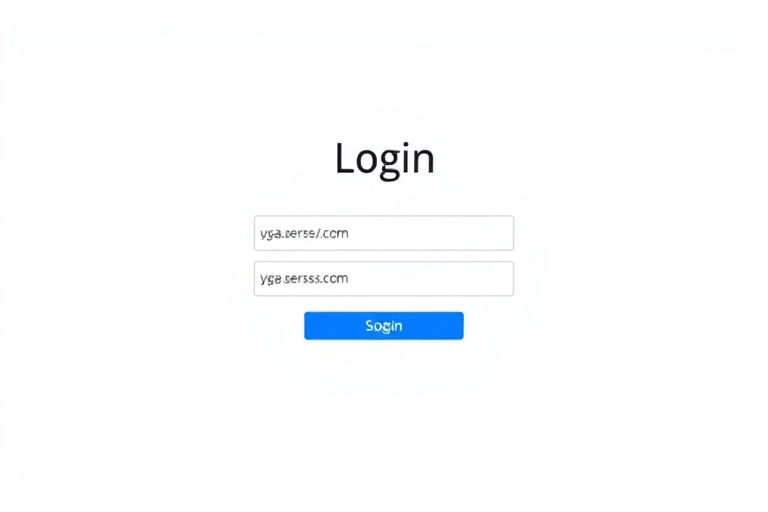
Log in to the client portal using your access credentials.
- Go to amiracotax.taxdome.com or click the "Access Portal" button
- Enter your registered email and password
- If it's your first time, you'll receive an email invitation with instructions
Download the TaxDome App
Have the portal in the palm of your hand. Send documents, receive notifications, and track everything from your phone.
Push Notifications
Know immediately when something needs your attention
Scan Documents
Use your phone camera to digitize documents
Real-Time Chat
Communicate with us from anywhere
Secure Access
Biometric authentication for maximum security
Frequently Asked Questions
Answers to the most common questions about the TaxDome portal
You will receive an email invitation from Amiraco Tax Service. Click the link in the invitation and follow the instructions to create your password. If you didn't receive the invitation, contact us.
On the login page, click "Forgot password" and enter your email. You will receive a link to reset your password. If you have problems, contact us.
You can upload PDF, images (JPG, PNG), Word and Excel documents. Maximum file size is 25MB. For larger files, contact us.
Yes! TaxDome uses end-to-end encryption, the same technology used by banks. The platform is IRS-approved and meets all data security requirements.
Yes! You can access via your phone's browser or download the TaxDome app from the App Store (iPhone) or Google Play (Android) for an even better experience.
Ready to Get Started?
Access the portal now and send your documents securely. If you need help, we're here for you!